
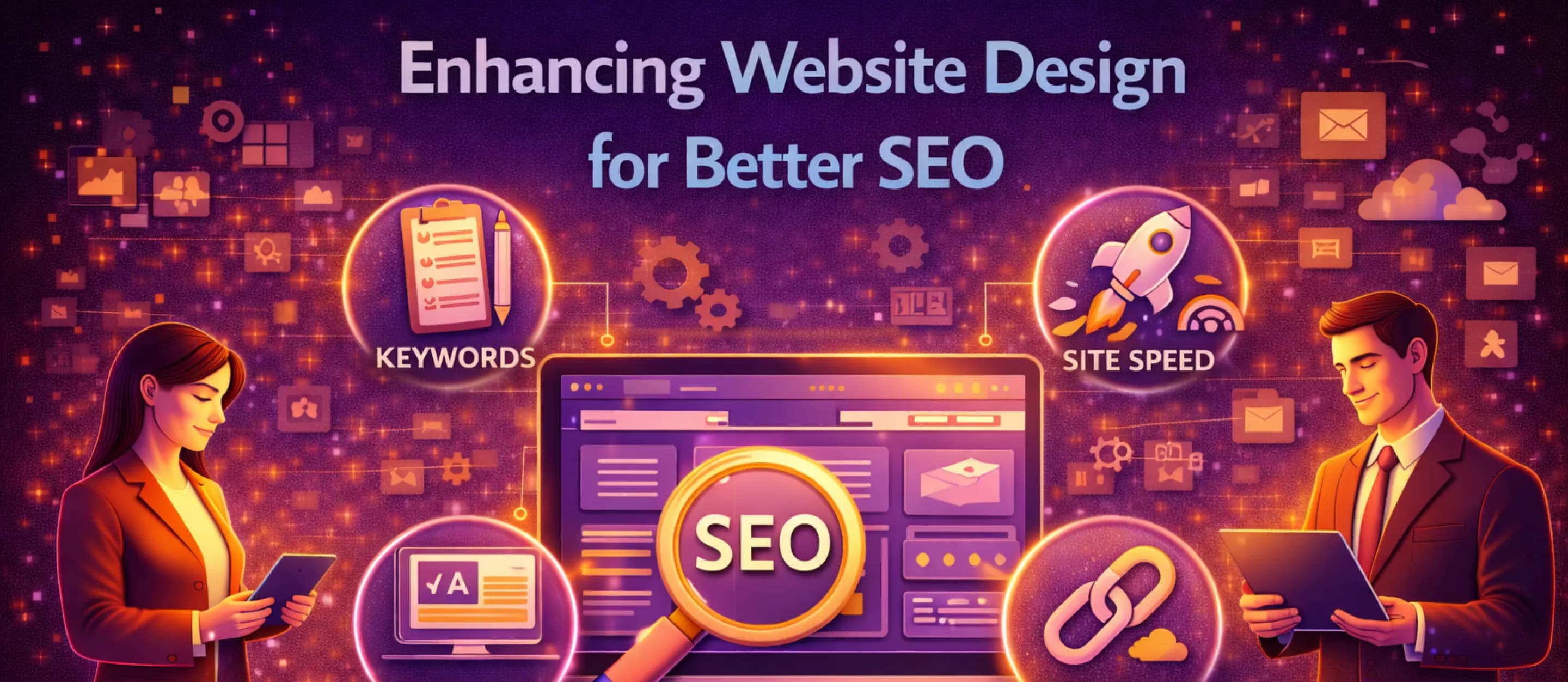
You can have a strong business, a clear brand, and a visually appealing website—and still feel invisible online. That disconnect often leads people to chase “SEO tricks” or add more pages without a plan. In reality, search visibility is closely tied to the experience your website provides. When a site is hard to use, slow, or confusing, users leave. When users leave quickly, search engines receive a signal that the page did not satisfy the search intent. In that sense, design and SEO are not separate efforts. They reinforce each other.
This article explains how website optimization works when you treat your site as a product. It focuses on the practical overlap between web design and SEO, including performance, mobile usability, site structure, content clarity, and local signals. The goal is not to overwhelm you with jargon. It is to help you understand what “SEO-friendly design” actually means in a way that supports business outcomes: more qualified traffic, more trust, and more conversions.
Why Design Influences Search Performance
Search engines want to deliver results that solve problems efficiently. That is a user-centered goal, not a purely technical one. If a visitor clicks your page and cannot quickly find what they need—your phone number, pricing, location, or next steps—they often bounce back to the results. Those patterns can correlate with poor performance over time, especially when a page repeatedly fails to satisfy intent.
Design influences search performance in four core ways:
- Comprehension: Can users understand what the page is about in seconds?
- Navigation: Can users reach relevant information without friction?
- Performance: Does the page load quickly and remain stable while loading?
- Trust: Does the site feel credible, secure, and up to date?
These are also the foundations of web design SEO: the intersection of visual presentation, information architecture, and the technical realities of how pages are delivered and consumed.
The Fast Site Advantage: Performance as a Ranking and Revenue Factor
Speed is not only a ranking consideration. It is an attention and conversion consideration. Many users will abandon slow pages long before they read the headline, and they are even less patient on mobile. That is why “make it fast” is one of the best investments you can make in website optimization.
What typically slows a site down
Most speed problems are not mysterious. Common causes include:
- Oversized images uploaded directly from phones or cameras.
- Too many third-party scripts (ads, widgets, chat tools) loading at once.
- Heavy animations or video backgrounds used without care.
- Cheap hosting that struggles under normal traffic.
- Poor caching and no content delivery network (CDN).
You do not need to remove all visual richness. You need to make smart tradeoffs: compress images, lazy-load media, limit the number of scripts, and ensure your hosting can reliably serve your pages.
Core Web Vitals in plain language
Google’s Core Web Vitals are a set of metrics designed to quantify real user experience. They are not perfect, but the intent is understandable:
- Load speed: how quickly key content becomes visible.
- Interactivity: how quickly the page responds to user input.
- Visual stability: whether the page jumps around while loading.
From a design perspective, this means your site should avoid layout shifts, use stable spacing, and load important elements first. Good performance is a user experience feature, not an afterthought.
Mobile-First Reality: Responsive Design and Search Visibility
Most industries now see significant traffic from mobile devices. Because of that, Google commonly evaluates the mobile experience to understand the page. If your desktop site looks polished but the mobile layout is cramped, slow, or hard to tap, you will struggle to compete.
This is where responsive design SEO becomes practical. Responsive design means the layout adapts to screen size so that text remains readable, buttons remain tappable, and navigation remains usable. Done well, responsive design reduces friction and makes it easier for search engines to crawl a consistent experience across devices.
A quick self-check is simple: open your site on a phone and try to complete the primary action. Can you call, book, buy, or request information without pinching, zooming, or hunting? If not, your site is likely leaking conversions even before SEO is considered.
Note: Some people also search the misspelled phrase “reponsive design seo.” If that is what you meant, it still points to the same requirement: a mobile-friendly, responsive layout that supports discoverability.
Architecture: How to Organize Your Site for Humans and Crawlers
Site architecture is the structure of your pages and the paths between them. For visitors, it determines whether the site feels intuitive. For search engines, it determines whether your important pages are easy to discover and understand.
Keep the navigation simple and predictable
Your main navigation should reflect how customers think. A local service business might use:
- Home
- Services
- Service Areas
- About
- Reviews
- Contact
A more complex menu is not necessarily more helpful. Too many choices can create indecision. A clear menu communicates confidence and reduces the time it takes to reach a decision.
Use descriptive URLs and headings
A URL like /services/water-heater-repair tells both users and search engines what the page contains. Headings should do the same work. If your H1 says “Services,” it is not as useful as “Water Heater Repair in Austin” for both clarity and relevance. This is not keyword stuffing; it is descriptive writing.
Build internal linking intentionally
Internal links are how users and crawlers move through your site. A service page should link to relevant case studies, FAQs, and contact actions. Blog articles should link back to the service page they support. The goal is to create a clear topic cluster where your most important pages are supported by helpful content.
Content Design: Writing and Layout That Supports SEO
Many businesses treat content as an afterthought: write a paragraph, add a stock photo, and call it done. Content design is more deliberate. It is the combination of writing, layout, and intent alignment.
Design for scanning, not reading
People scan. They look for headings, bullets, and highlighted phrases that confirm they are in the right place. Strong content design includes:
- Short paragraphs (two to four sentences).
- Clear headings that summarize the section.
- Lists and tables where helpful.
- A single primary call to action on each page.
This approach improves usability and often improves SEO outcomes because it keeps visitors engaged and helps them find answers faster.
Match intent: informational vs transactional pages
A page can serve different goals. A “How much does it cost?” article is informational. A “Book an estimate” service page is transactional. Both can be valuable, but they should not be confused. The informational page should educate and link to the transactional page as the next step. When intent is aligned, the user experience improves and so does the likelihood of conversion. This is a core idea in website optimization: reduce mismatch between what someone searched and what they find.

The Trust Layer: Design Signals That Influence Decisions
SEO gets people to the site. Trust converts them. Some trust signals are technical, but many are design choices.
Security and legitimacy
At minimum, you should have:
- HTTPS enabled (the browser padlock).
- A clear privacy policy and contact information.
- A consistent brand identity across pages.
- Up-to-date content with no broken links or outdated offers.
Even if a user cannot articulate the problem, an untrustworthy site often feels “off.” That feeling leads to lower engagement and fewer conversions.
Social proof and credibility
Design is how you present proof:
- Testimonials with names and context.
- Reviews integrated into service pages.
- Certifications, memberships, and affiliations.
- Case studies that explain outcomes.
These elements belong near decision points, not hidden on a separate page that no one visits.
Practical Website Optimization Checklist
If you want an actionable list, start here. These items are realistic for most small and mid-sized organizations:
- Compress and properly size images.
- Remove or delay unnecessary scripts.
- Confirm the site is readable and tappable on mobile.
- Simplify navigation to core categories.
- Use descriptive page titles and headings.
- Add internal links between related pages.
- Place contact actions in predictable locations.
- Add clear proof near decision points (reviews, case studies, credentials).
- Ensure HTTPS and basic privacy pages are present.
- Track outcomes (form submissions, calls, bookings), not just traffic.
This checklist captures the overlap of design and SEO in a way that most teams can implement incrementally.
How Digital Design Services and SEO Work Best Together
Some organizations hire a designer to “make it pretty” and an SEO vendor to “make it rank.” That split can work, but it often creates gaps. Design decisions affect speed, structure, and content layout, which affect SEO. SEO decisions affect page structure and content priorities, which affect design. The strongest outcomes usually come when the team treats both as one system.
Digital design services can contribute beyond visuals by shaping user flows, simplifying navigation, and improving conversion clarity. Meanwhile, SEO work can contribute beyond keywords by clarifying page intent, strengthening internal linking, and improving technical foundations. In other words, seo services and website design should support a shared strategy: attract the right visitors, serve them quickly, and guide them to action.
How to Vet a Provider: Questions That Reveal Real Capability
Whether you are working with an internal team or hiring an agency, ask questions that test their understanding of the overlap between design and SEO:
- How do you approach performance and Core Web Vitals?
- How do you ensure the mobile experience is strong before launch?
- How do you plan site structure and internal linking?
- How do you decide which pages should exist and what each page should do?
- How do you measure success (leads, calls, bookings), not just rankings?
A provider who answers these clearly is likely building for long-term outcomes, not short-term metrics.
Conclusion: Design as a Search Strategy
Some SEO and design problems are rooted in technical choices that are easy to miss during a redesign. For example, if your site is built in a way that loads critical content only after heavy scripts run, users may see blank sections for too long. If images are inserted without defined dimensions, the page can jump as they load. If fonts are pulled from multiple libraries, the site can feel inconsistent and slower than necessary.
These issues are not purely technical. They affect trust and comprehension, which are design outcomes. This is why coordination between designers and developers matters even for “simple” sites.
Redirects, broken links, and migration planning
Redesigns often involve changing URLs. If old URLs are not redirected properly, you can lose traffic and create a poor experience for returning visitors. A migration plan should include:
- An inventory of existing pages and their purpose.
- A redirect map from old URLs to new URLs.
- A review of internal links so they point to the correct pages.
- A post-launch scan for broken links and missing pages.
The goal is continuity. A new design should not force users to relearn the site or run into dead ends.
On-Page SEO Elements That Depend on Good Design
On-page SEO is often discussed as a checklist, but several “SEO items” are actually design responsibilities because they shape what users see, what they understand, and what they click.
Titles and meta descriptions
Your page title is the headline searchers see in results. A strong title is specific, readable, and aligned with what the page delivers. Meta descriptions do not guarantee rankings, but they can influence click-through by setting expectations. If the promise in the snippet does not match the experience on the page, visitors leave quickly.
A practical approach is to write titles that combine clarity with context, such as “Water Heater Repair | Same-Day Service in Austin.” This is human language first. It happens to help search engines understand relevance.
Image strategy: speed, accessibility, and meaning
Images can build trust, show proof, and improve comprehension, but they also introduce performance risk. A good approach includes:
- compressing images before uploading,
- using descriptive file names when reasonable,
- adding alt text for meaning (not for stuffing),
- avoiding decorative images that add weight without adding value.
Alt text is especially important for accessibility. It also helps clarify what an image represents for systems that cannot “see” it the way people do.
Structured headings and “answer-first” sections
Many strong pages share a common design trait: they answer the primary question quickly. For a pricing page, that might be a clear range and what affects it. For a service page, it might be who the service is for and what happens next. Then the page expands with details, proof, and FAQs.
Design supports this by placing key answers near the top, using consistent headings, and keeping layout predictable. This improves usability and keeps visitors engaged.
